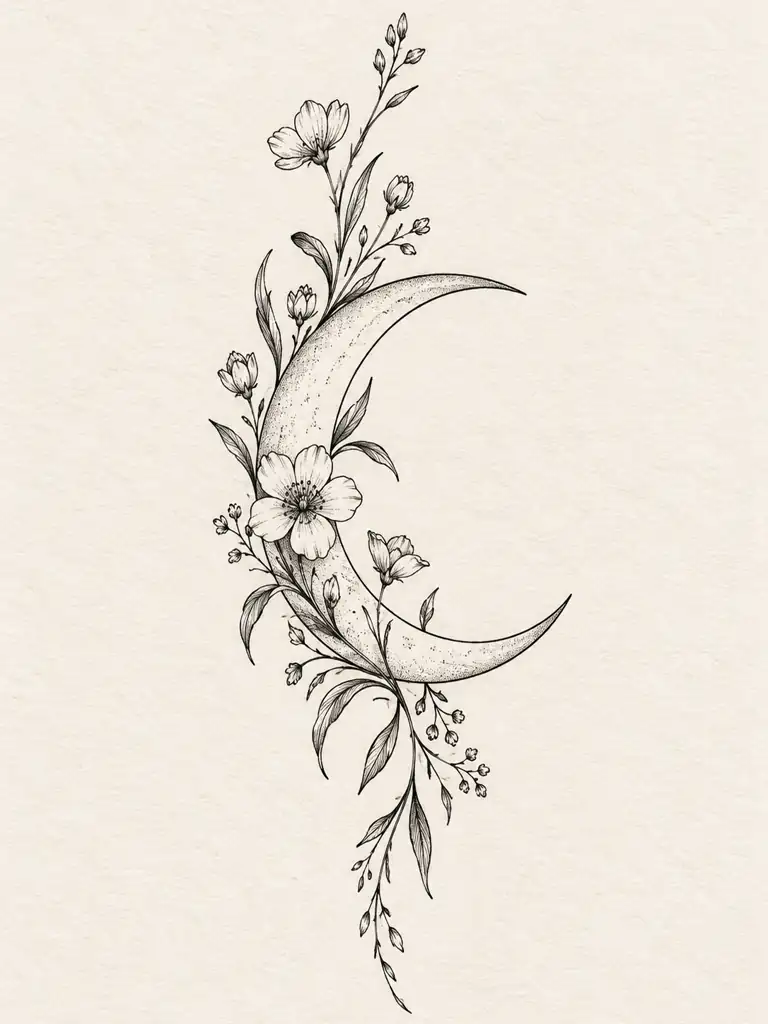
FINE LINE · 3:4 · 1K
Fine-Line Botanical
Thin linework and open spacing keep this vertical forearm design light and readable.
If allowed, we use product analytics, heatmaps, session replays, and acquisition attribution to improve signup, generation, and checkout. After sign-in, Clarity receives your account ID and email to match masked recordings with support cases; we do not send prompts, image content, filenames, or payment information.
Read our Privacy Policy and Cookie Policy.
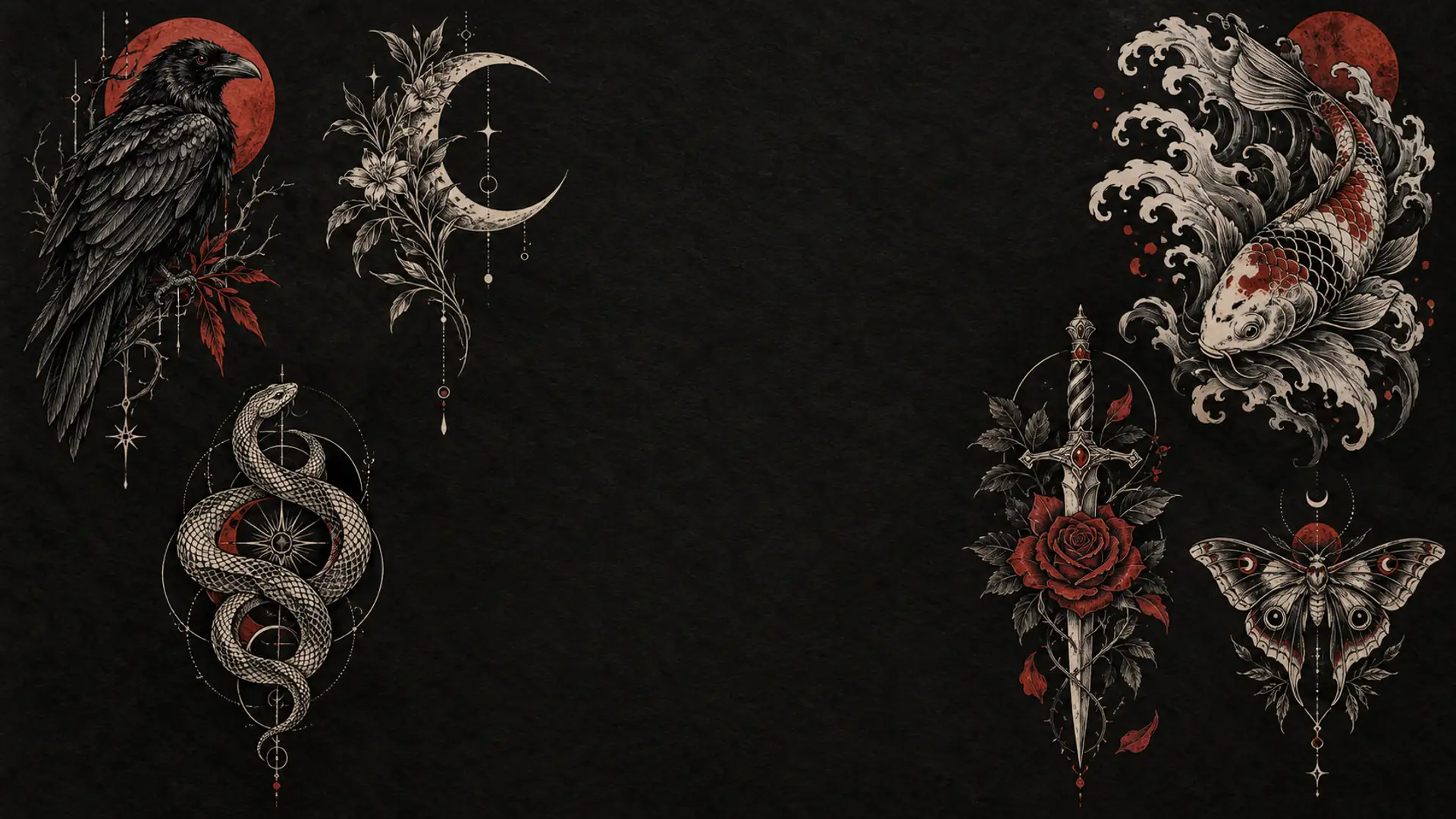
START FROM TEXT OR AN IMAGE
Describe your idea or upload a photo or rough sketch. Choose the style, placement, and composition. Generate up to four tattoo directions, compare the results, and refine the strongest one.
30 free credits after sign-up · No card required · Up to 4K output
TATTOO DESIGN EXAMPLES
Explore six tattoo styles and choose any example to load its prompt. Change the subject, body placement, or composition to create a concept of your own. You do not need to start from a blank page.
Thin linework and open spacing keep this vertical forearm design light and readable.
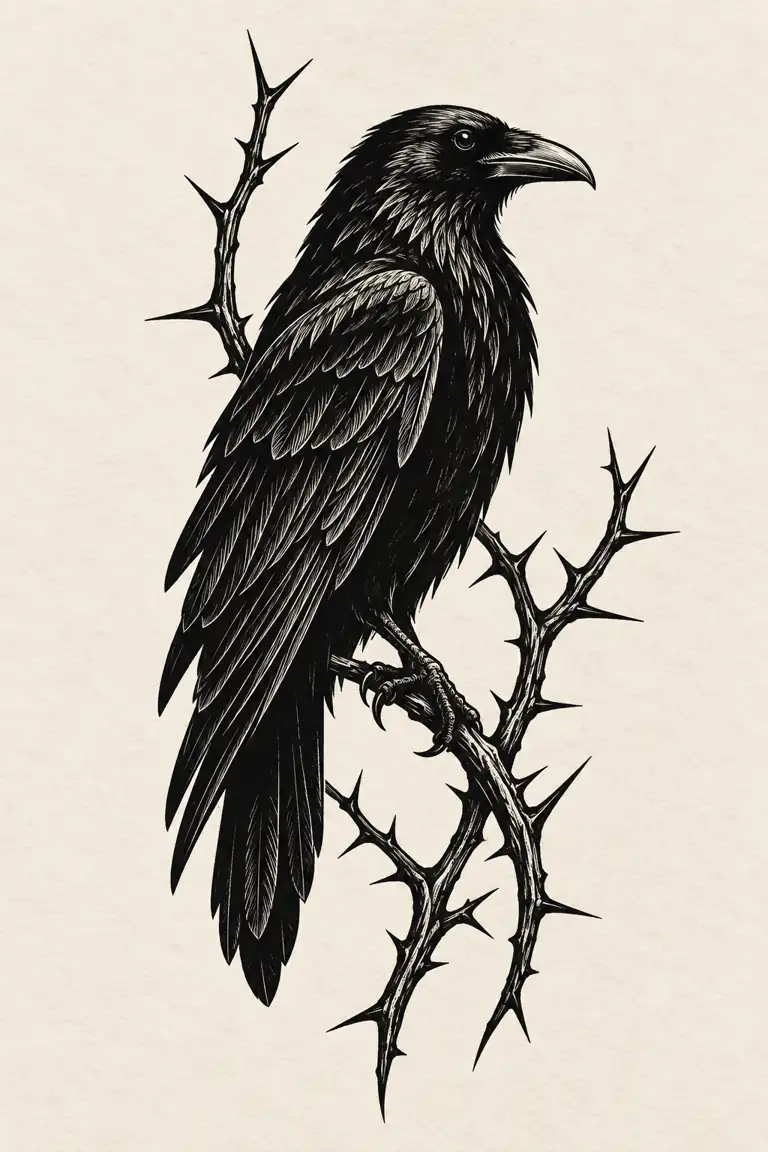
A bold silhouette and controlled negative space keep the raven clear at a glance.
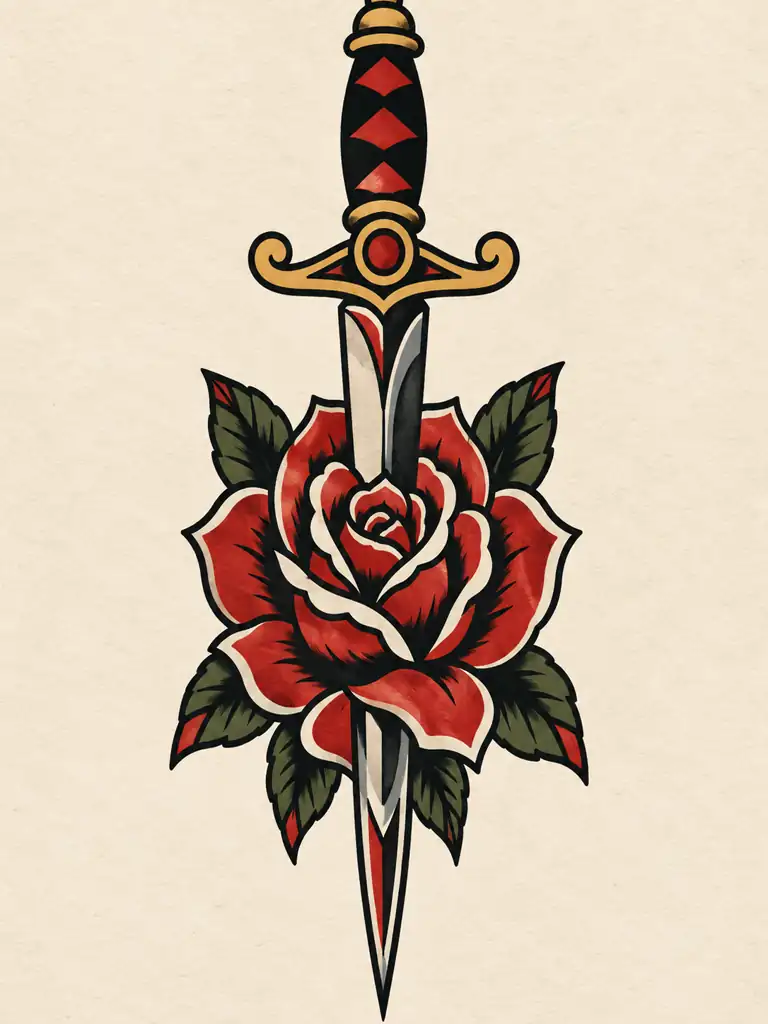
Bold outlines and a limited red-and-black palette give the design a classic flash look.
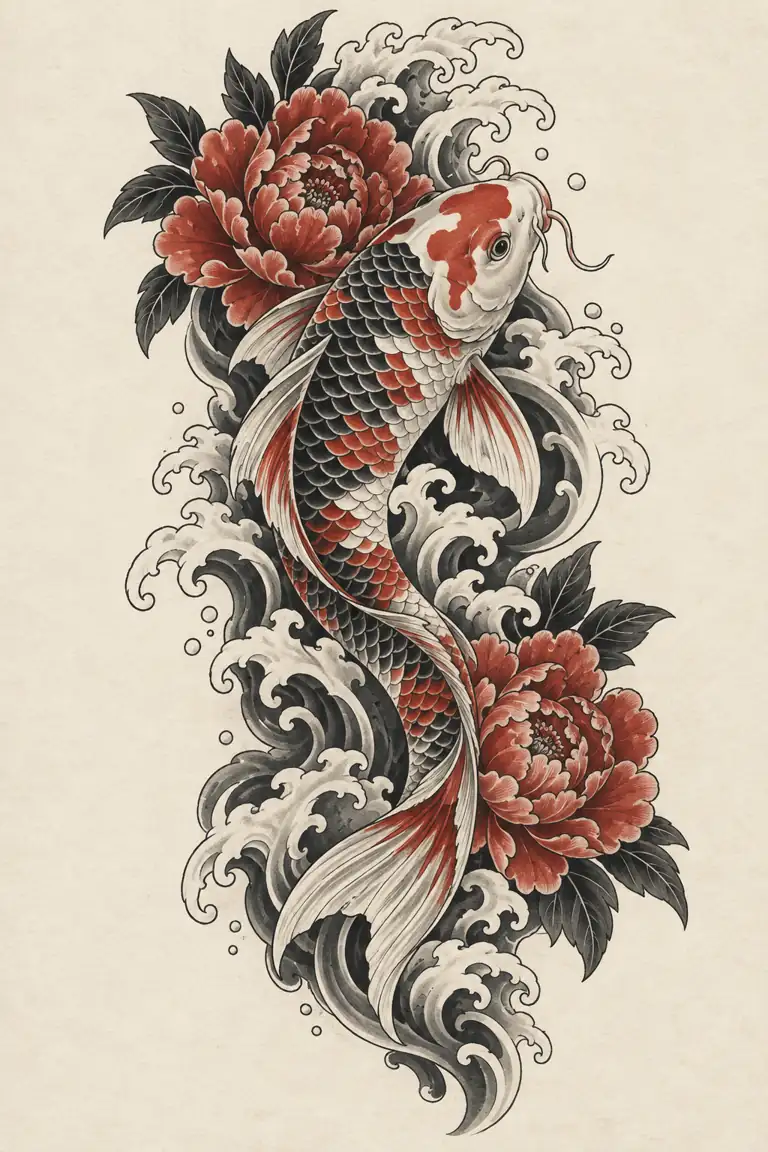
The koi, waves, and peonies follow one vertical flow for a connected composition.
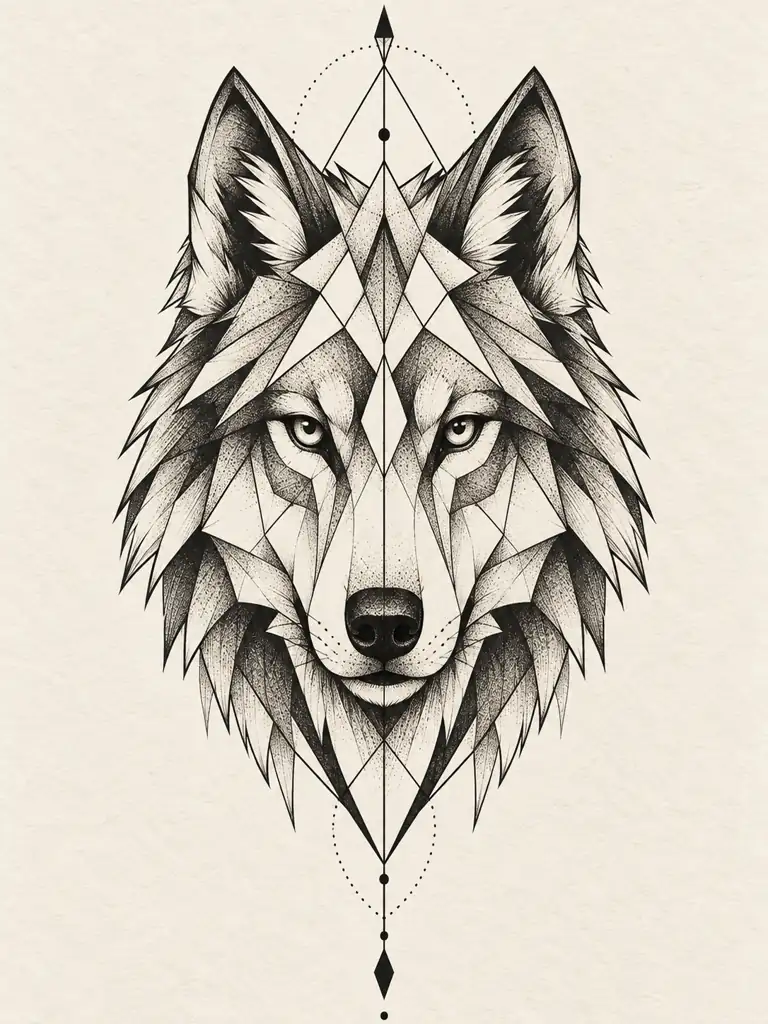
Symmetry, crisp linework, and restrained dotwork keep the wolf balanced and clear.
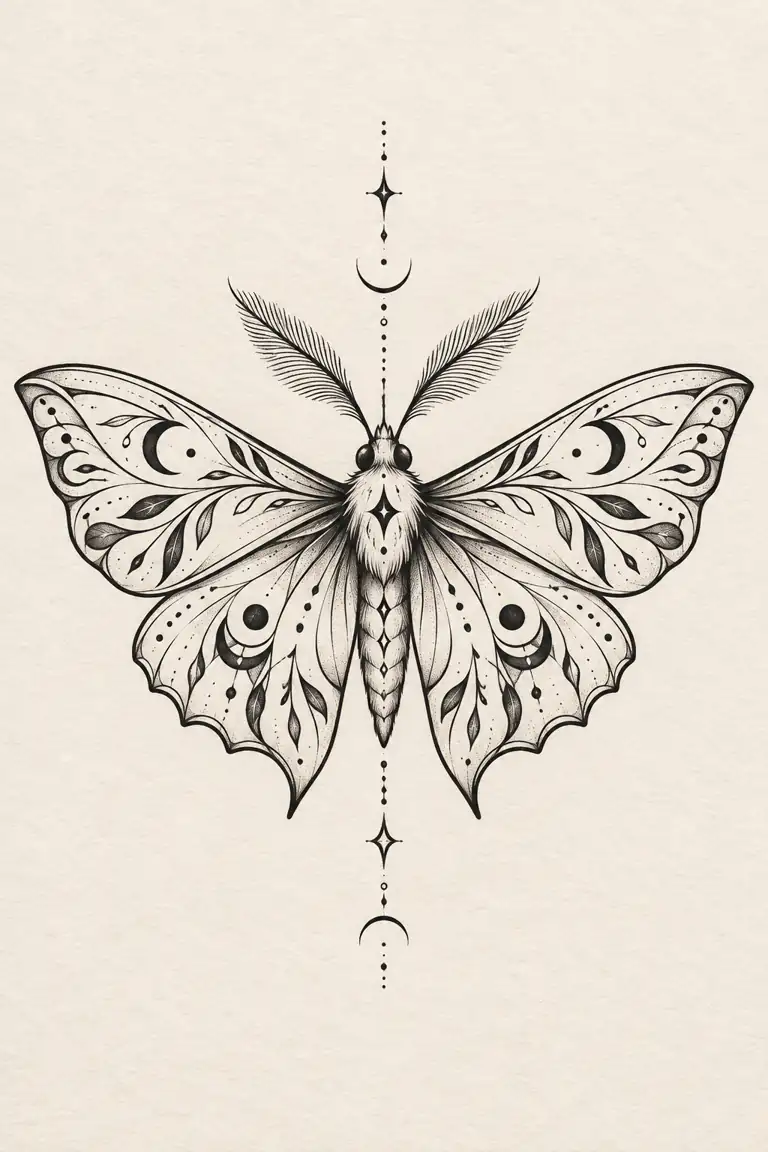
Mirrored wings and varied line weight create a balanced vertical moth design.
STYLE EXPLORATION
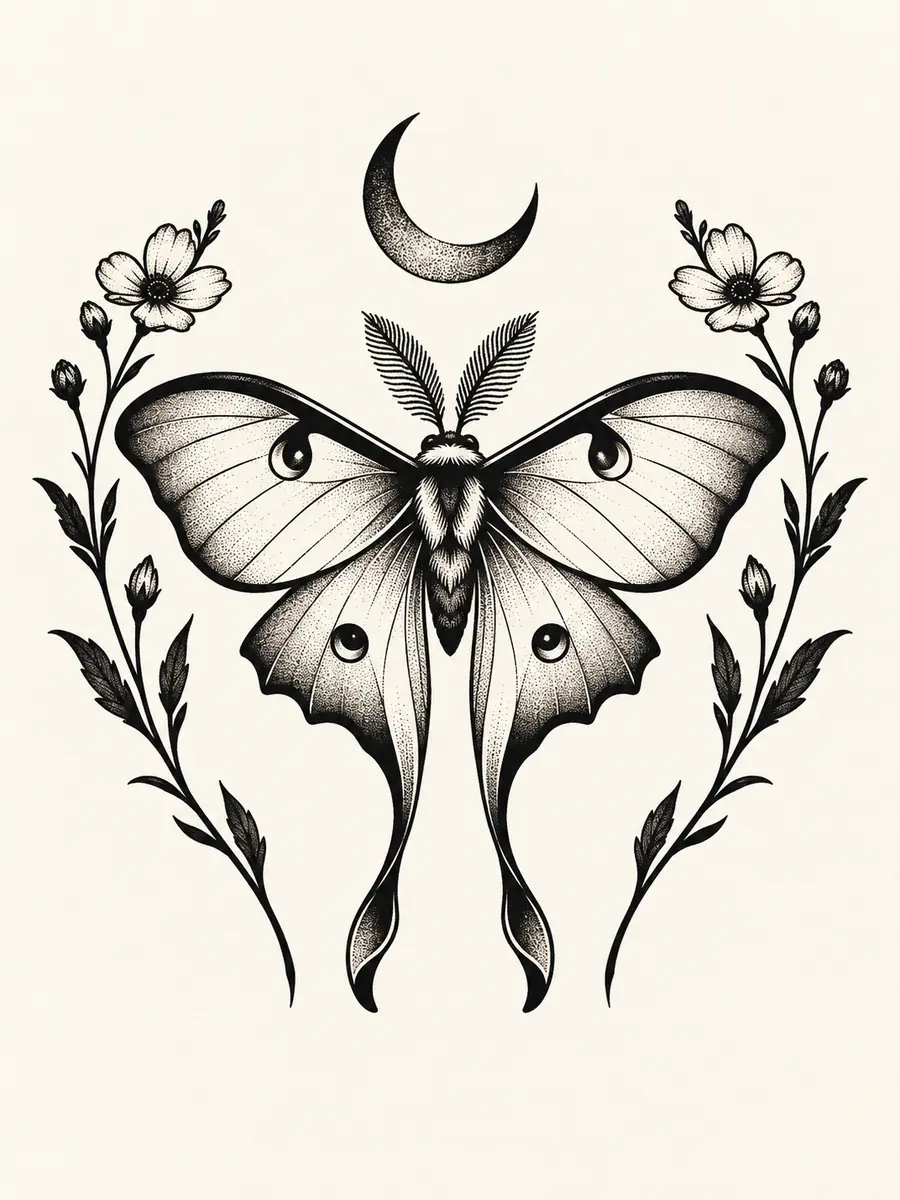
The subject stays the same in all three images. Compare line weight, black coverage, spacing, and color without changing the concept.
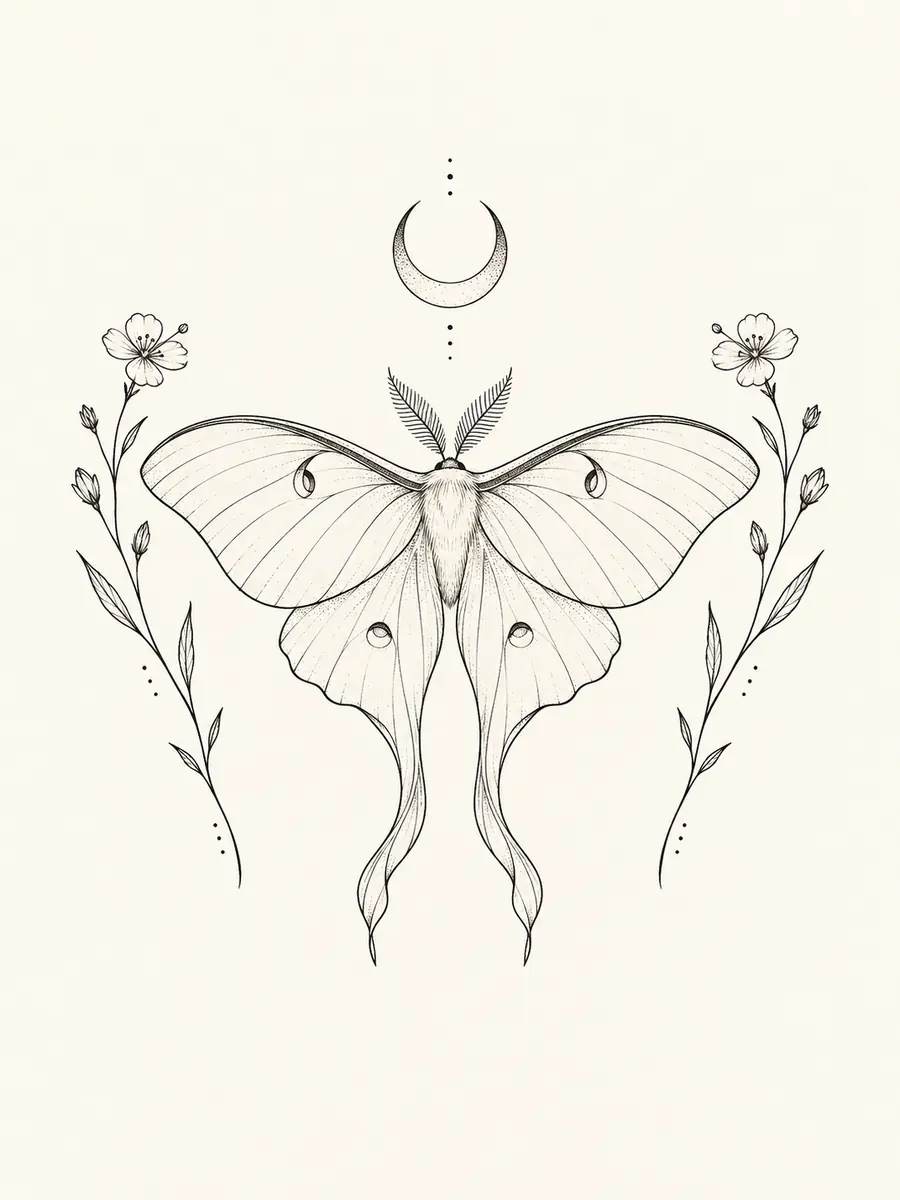
thin linework · open spacing · minimal black fill
bold contour · solid black · controlled negative space
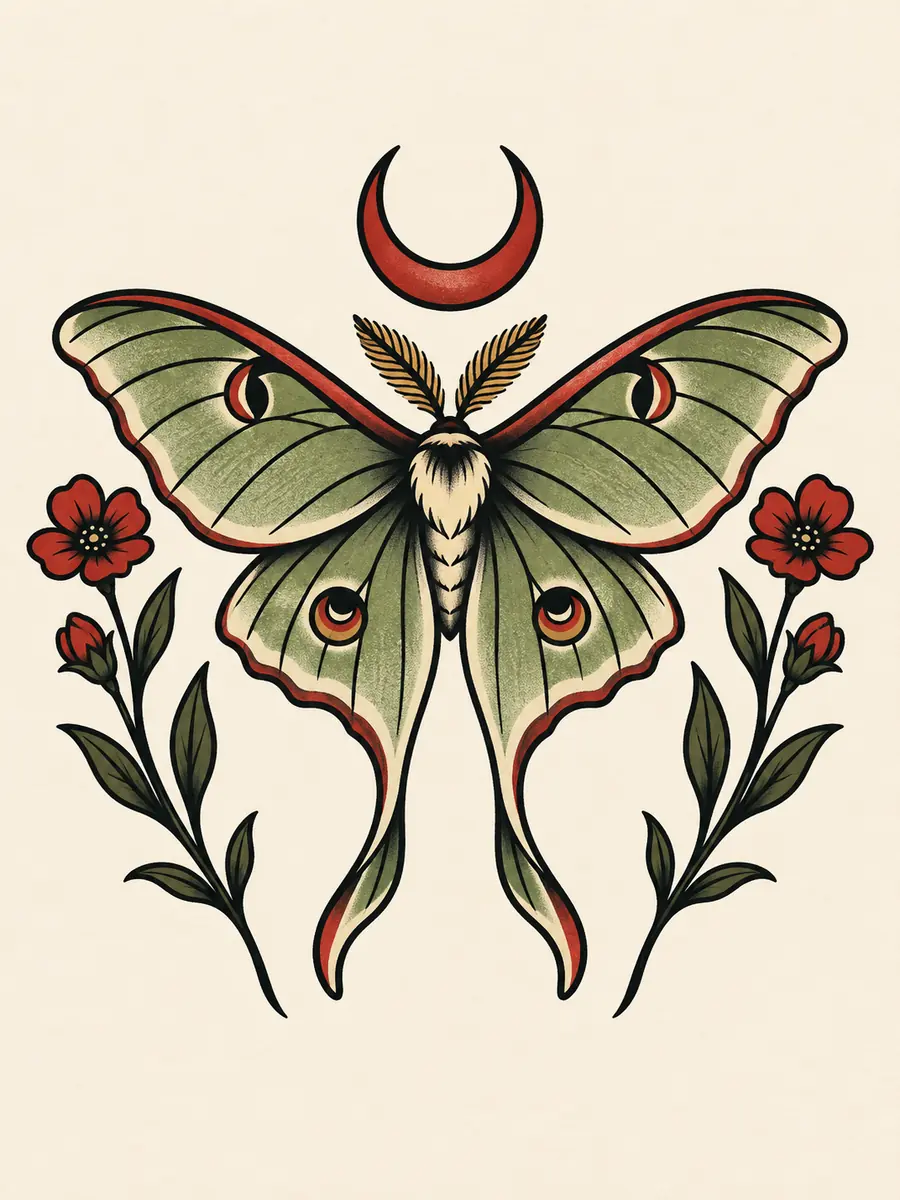
bold outlines · simplified shapes · restrained red and olive
HOW IT WORKS
Describe your idea or upload a reference image. Generate up to four directions, compare the results, then refine and download the strongest concept.
Enter the subject, style, placement, and must-have details—or upload a photo or rough sketch as your starting point.
Choose the model, aspect ratio, resolution, and number of outputs. Generate up to four directions and compare their composition, spacing, and style.
Use your strongest result as a reference, request focused changes, then download the final concept for your own workflow or an artist conversation.
FEATURES
Start with a written idea or upload a reference image. Keep the details that matter, explore different styles, and refine the result into a tattoo concept of your own.
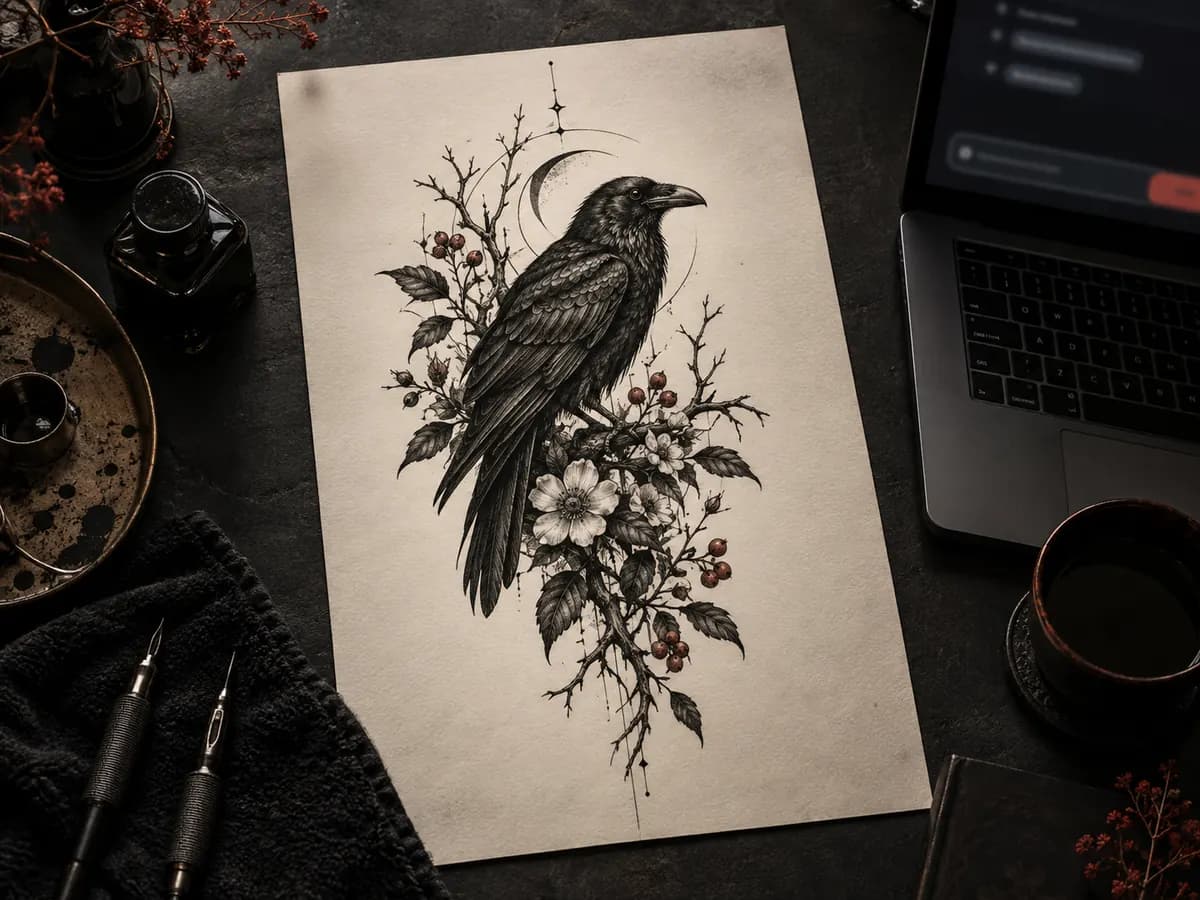
Describe the subject, style, placement, and details you want to keep or avoid. Generate a standalone tattoo concept without drawing it first.
Example: A blackwork raven among wild botanicals, vertical outer-forearm composition, controlled negative space, no text.
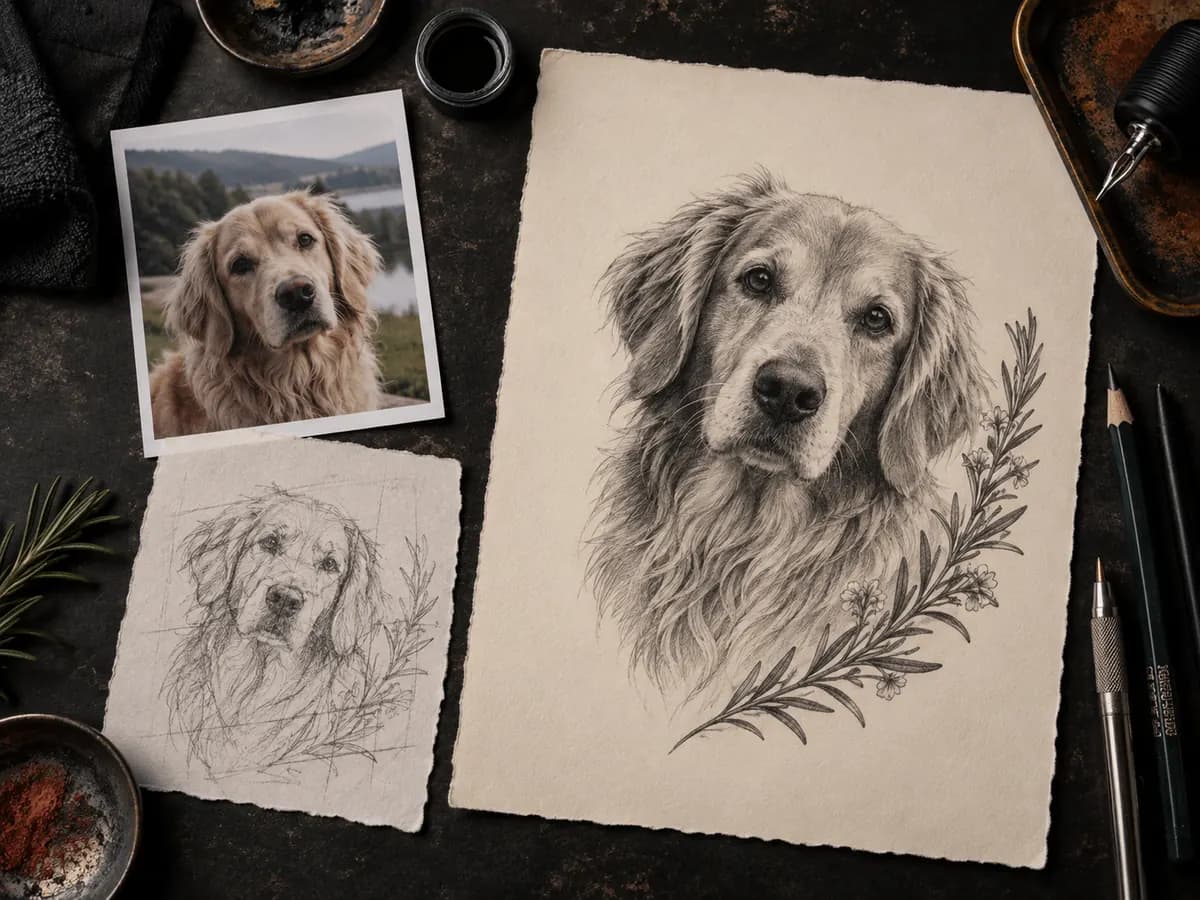
Upload a photo, rough sketch, or previous design. Keep the subject and key details, then change the style, composition, or level of detail.
Supported reference files: JPEG, PNG, and WebP up to 10 MB.
Set the aspect ratio, resolution, and number of images before you generate. Completed designs are saved in My Designs, ready to download or refine later.
Choose 1K, 2K, or 4K, seven aspect ratios, and one to four images. Free accounts keep designs for 30 days.
Generated results can vary. Review every image before using it as a tattoo reference.
BODY PLACEMENT
Placement affects a tattoo's shape, direction, and level of detail. Choose the area you have in mind to guide the composition, then ask a tattoo artist to adapt it to your anatomy.
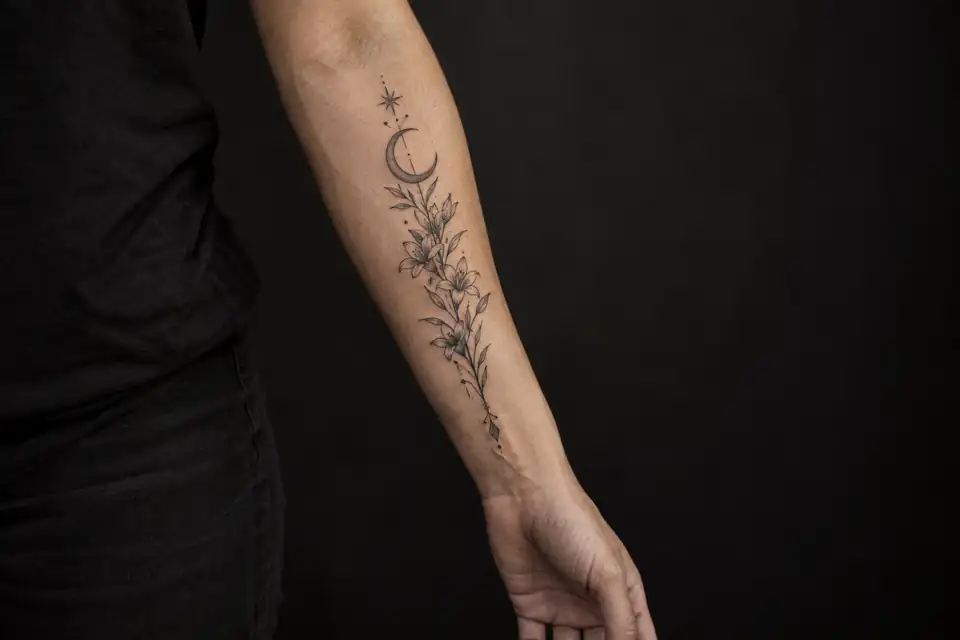
Use a vertical or gently tapered composition with one clear focal point.
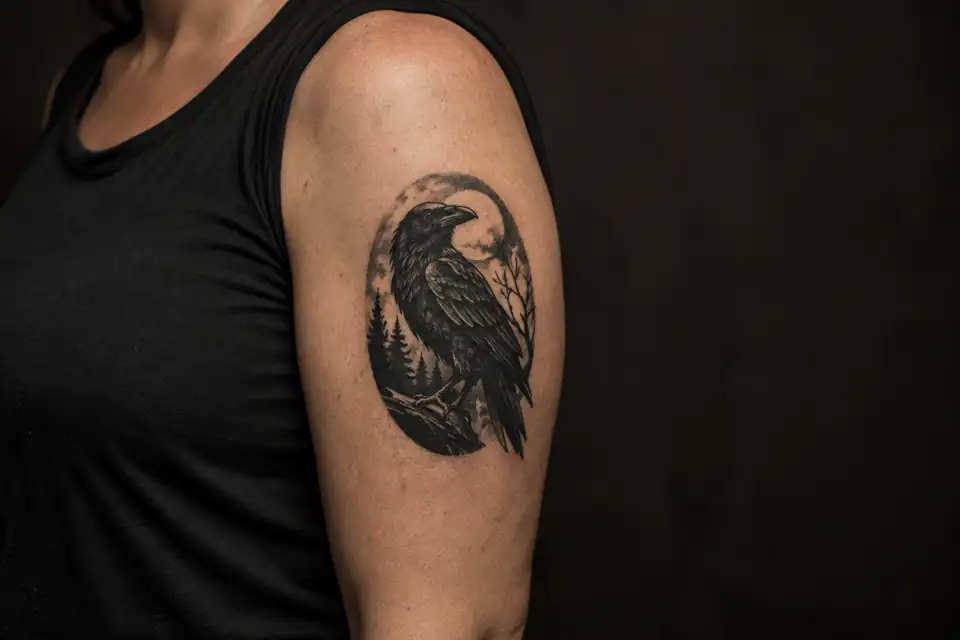
Use a compact, oval, or gently wrapping composition that reads clearly from different angles.
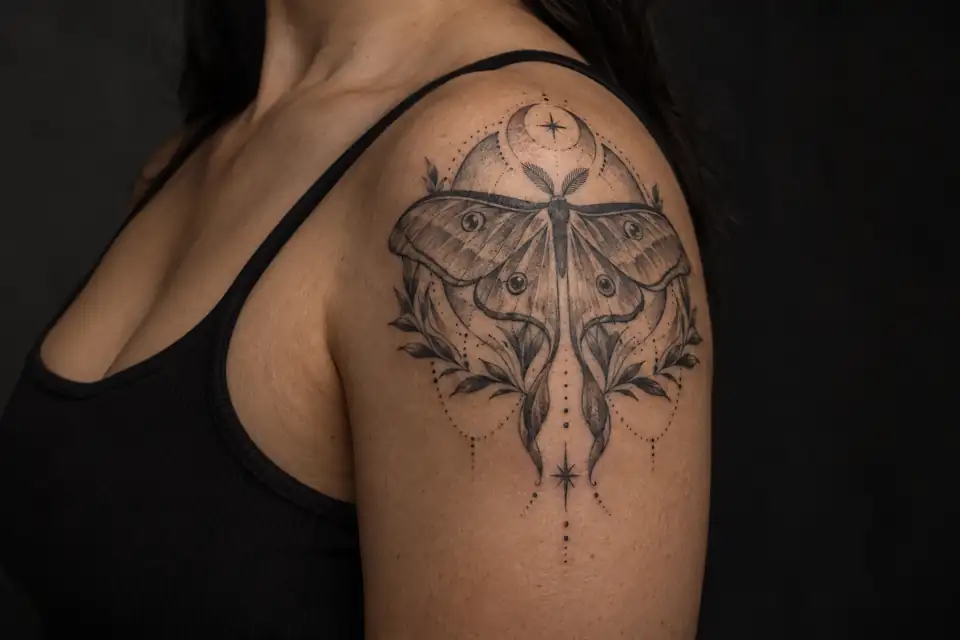
Use a rounded or radiating composition that follows the shoulder cap.
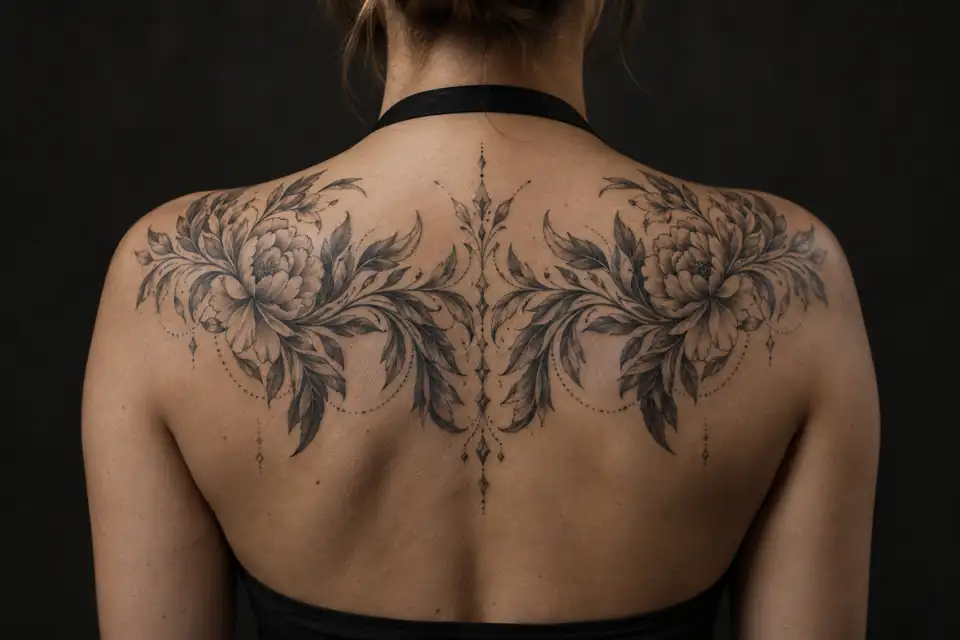
Use a wider composition for symmetry, connected elements, or a larger visual story.
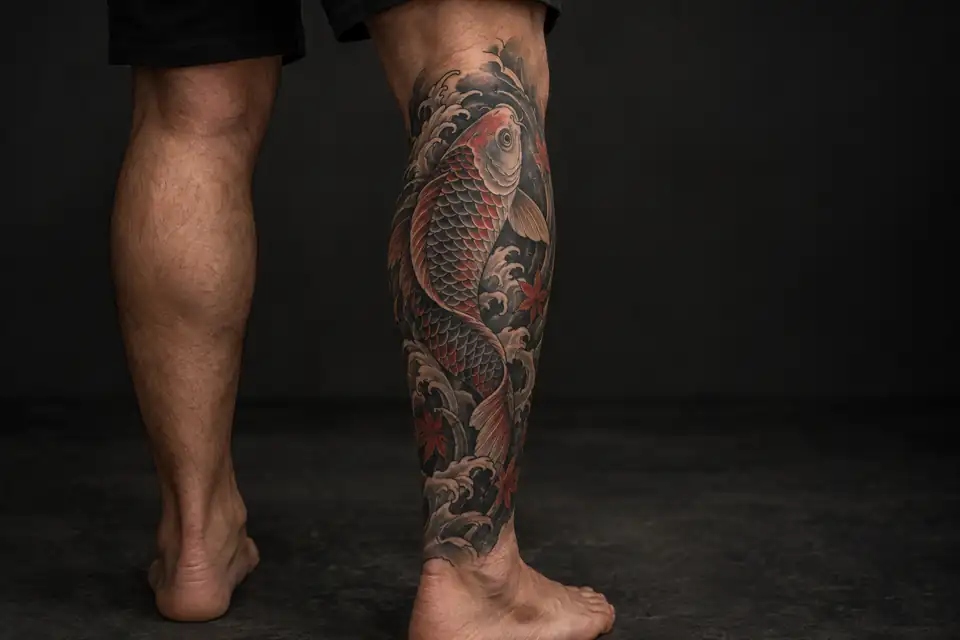
Use a tall composition that follows the direction of the leg and leaves space around the focal point.
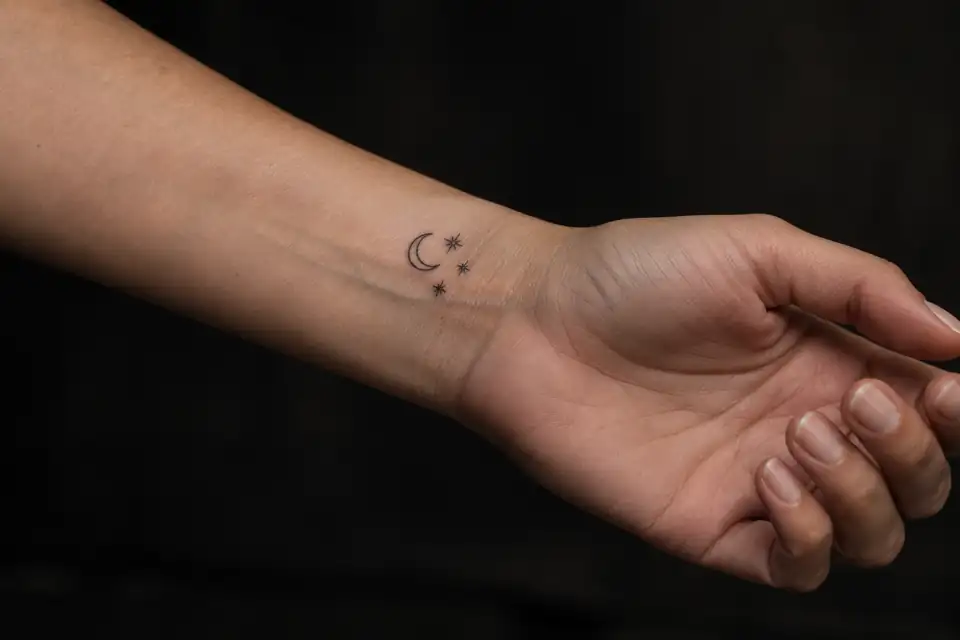
Keep the design simple and readable when the available area is small.
BETTER INPUT, CLEARER DIRECTION
Describe the subject, style, placement, composition, and details to keep or avoid. You do not need art jargon—clear choices make each result easier to compare and refine.
Choose one main subject, then define its meaning, style, and placement.
ExampleA moth with two small wildflowers
ExampleRenewal after a difficult year
ExampleBlackwork with bold shapes and restrained dot shading
ExampleOuter forearm
Add only the size, visual details, and limits that should affect the result.
ExampleMedium-size vertical design with one clear focal point
ExampleBold outline, black and grey, with one rust-red accent
ExampleKeep the crescent marking on the wings
ExampleNo text, extra insects, scenery, skin, or watermark
Replace the brackets with your choices, then paste the prompt into the tattoo design generator.
Create an original [tattoo style] tattoo concept featuring [main subject and meaningful symbols]. Design it for [body placement] at [approximate size], using [composition, linework, and color]. Keep [must-have details]. Avoid [unwanted elements]. Show the artwork on a plain background without skin or text.
Create an original blackwork moth tattoo concept with two small wildflowers and a crescent marking that represents renewal. Use a medium-size vertical composition for the outer forearm, with a bold silhouette, restrained dot shading, and open negative space. Keep the crescent marking on the wings. Avoid text, extra insects, scenery, skin, and watermarks. Show the artwork on a plain background.
REFERENCE IMAGE EDITING
Upload a rough sketch and describe what should stay or change. This example keeps the raven, crescent moon, flowers, and vertical layout while restyling the drawing as blackwork.
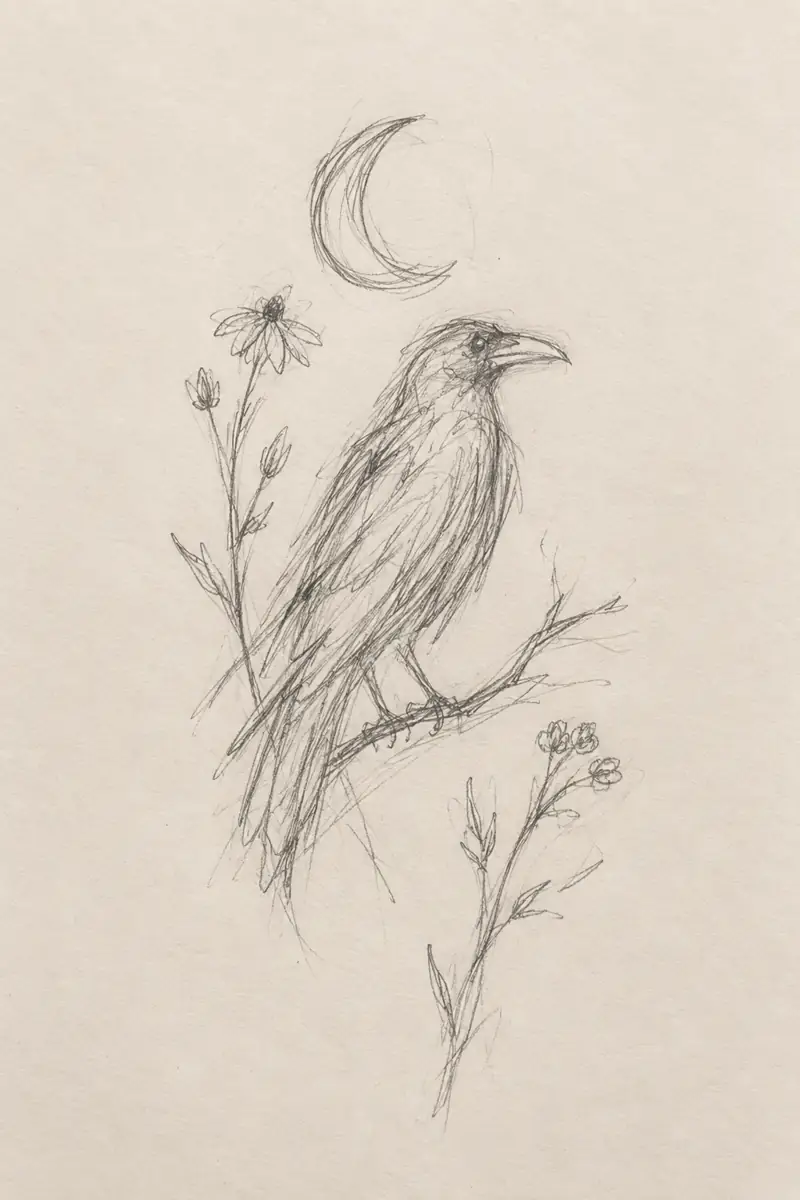
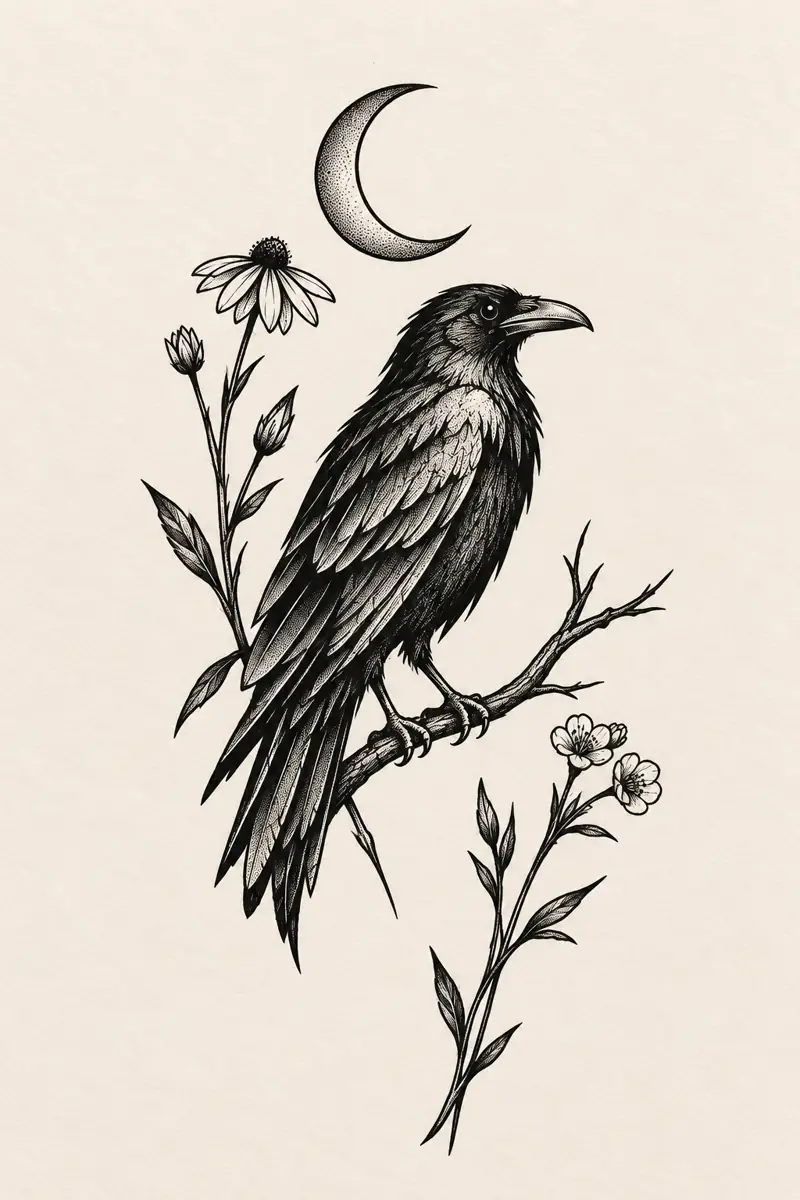
Keep the raven, crescent moon, flowers, and vertical layout. Refine the proportions, then restyle the sketch as bold blackwork with controlled negative space.
Reference editing creates a new interpretation; it does not trace the source exactly. Check important shapes and details after each result.
FROM CONCEPT TO DESIGN BRIEF
Whether you are exploring your own tattoo or developing ideas with a client, keep the visual direction, meaning, and editable details together before the design moves forward.
WHY CHOOSE DERMINK
Generate several tattoo directions and compare the differences. Refine the strongest concept before you share it with a tattoo artist.
Describe the style, placement, composition, line weight, color, and negative space. Each choice helps shape the tattoo direction.
Generate up to four concepts in one task. Compare the composition, spacing, and style before choosing one to refine.
Use your chosen result as a reference and request focused changes. Download the concept for your own workflow or to share with a tattoo artist.
30 free credits after sign-up · No card required
QUESTIONS, ANSWERED
START WITH THE IDEA YOU HAVE
Start with a few words, a rough sketch, or a reference image. Generate up to four directions, choose the one that best matches your idea, and refine it before you download or share it.
30 free credits after sign-up · No card required · Enough for three standard 1K images
PRICING
New accounts get 30 free credits—enough for three standard 1K images. No card required. Buy credits when you need them, or choose a monthly or yearly plan. Paid plans include private generations and watermark-free downloads up to 4K.
Pro
Recommended3,000 credits · About 300 standard 1K images
About $0.10 per standard 1K image
GPT Image 2.5 Flare and Sunburst
Text-to-image and reference editing
1K, 2K, and 4K output
Generate up to 4 images at once
No watermark
Commercial use license
Private generations
Priority generation queue
Priority support